Sunday, November 25, 2007
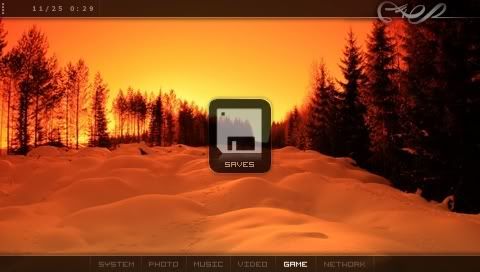
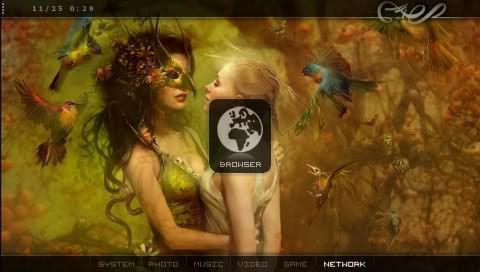
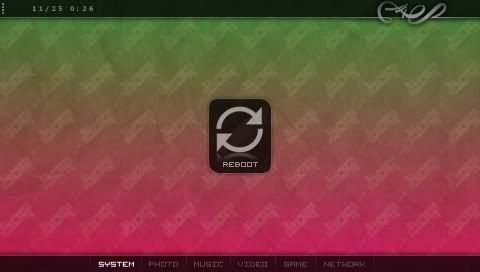
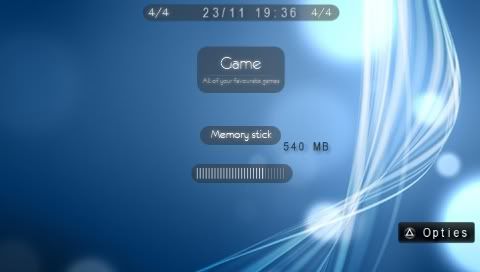
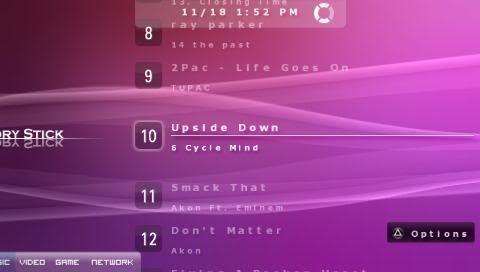
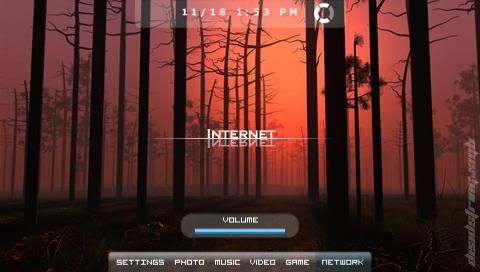
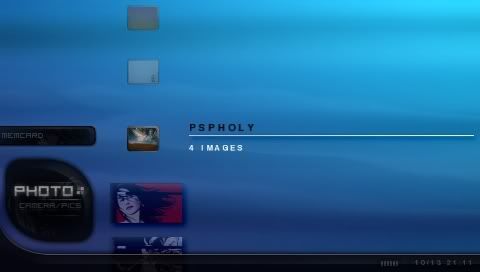
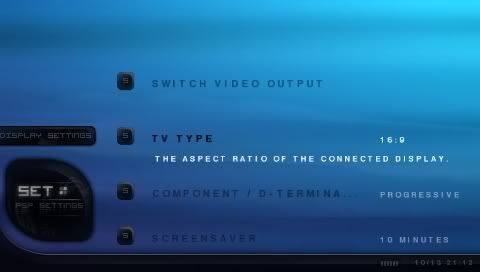
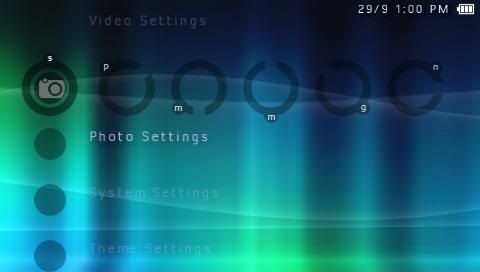
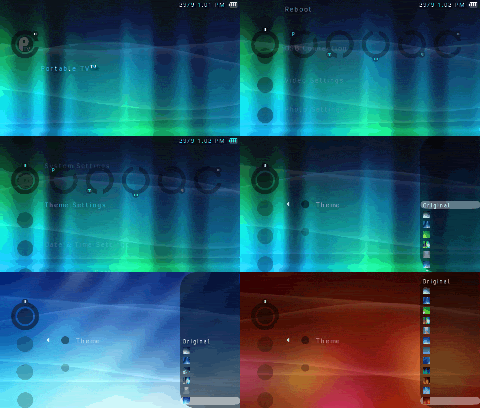
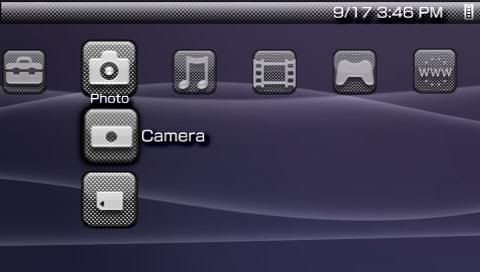
Organ for 3.52 M33/3.71 M33
Posted on
Doody's PSP Site
at
10:56 AM
0
comments
Filed under: Custom Theme
Saturday, November 24, 2007
Black Plates for 3.71 M33

Edit: Here is the wallpaper that's shown in the preview picture above - link
Black Plates for 3.71 M33
Posted on
Doody's PSP Site
at
2:01 PM
0
comments
Filed under: Custom Theme
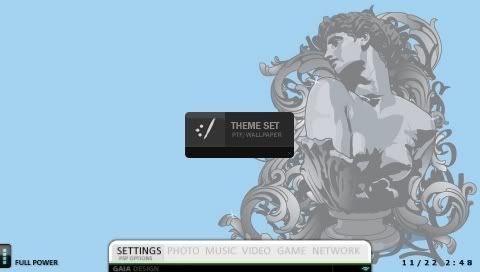
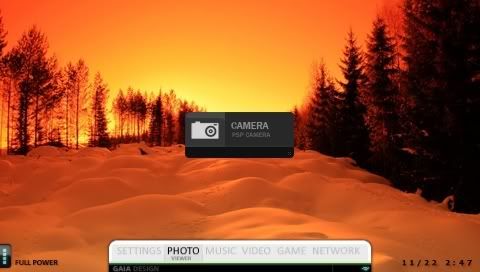
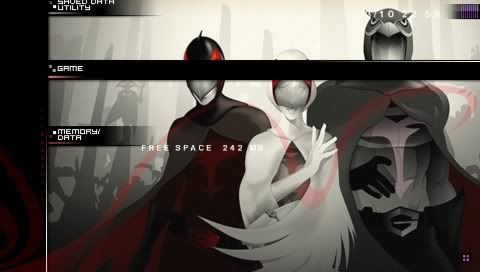
GAIA for 3.52 M33 & 3.71 M33
Do get the correct version depending on what firmware you are using. For users on 3.71 M33 and 3.71 M33-2, either install the usbdevice.prx fix or update to 3.71 M33-3 first before flashing any themes to your PSP.
GAIA for 3.52 M33
GAIA for 3.71 M33
Posted on
Doody's PSP Site
at
1:56 PM
0
comments
Filed under: Custom Theme
Sunday, November 18, 2007
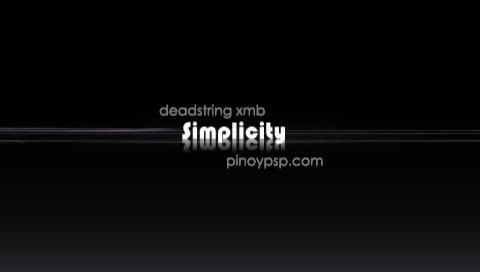
Simplicity for 3.71 M33


Download Simplicity
Side note: I've got to update to 3.71 M33-3 soon =)
Posted on
Doody's PSP Site
at
11:30 PM
0
comments
Filed under: Custom Theme
Tuesday, November 13, 2007
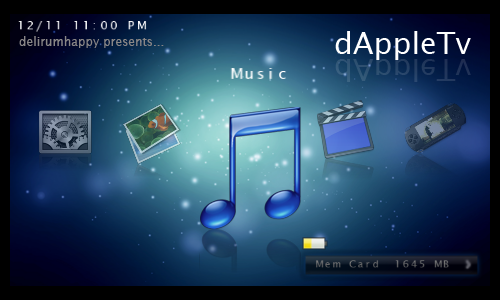
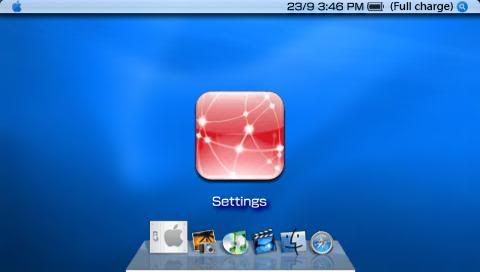
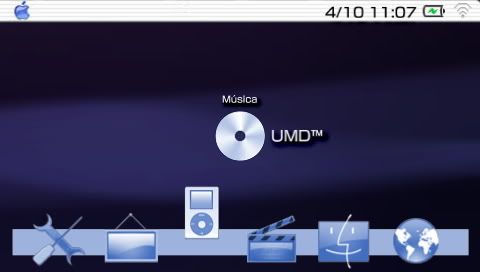
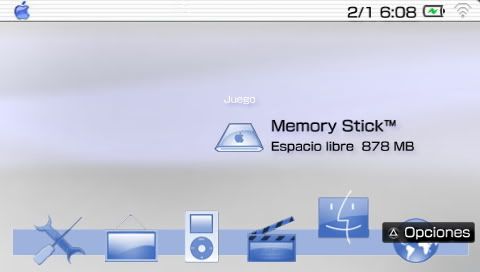
dAppleTv for 3.52 M33
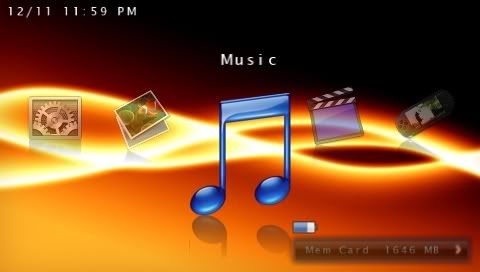
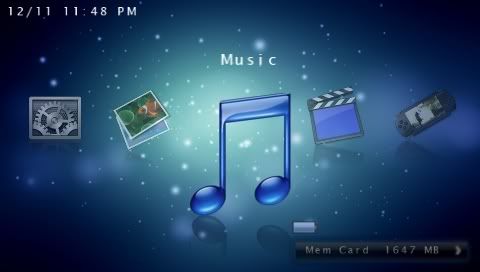
Another great theme from delirumHAPPY. Just look at the screenshots and judge for yourself. This theme is for 3.52 M33 only.
Download the theme
Posted on
Doody's PSP Site
at
11:59 PM
0
comments
Filed under: Custom Theme
Friday, October 19, 2007
Silk Fly XMB Theme
Here are my installation instructions for both 3.52 M33 and 3.71 M33:
For 3.52 M33
Just enter recovery menu and toggle USB flash0, then copy over the files to the respective places.
For 3.71 M33
Flash the updated usbdevice.prx first, else there is a random chance of a full brick.
Once you've done that, you can enter recovery menu, toggle USB flash0, and copy the files over like how you would on 3.52 M33.
Silk Fly for 3.52 M33: Download
Silk Fly for 3.71 M33: Download
Posted on
Doody's PSP Site
at
9:54 AM
0
comments
Filed under: Custom Theme
Black Silk XMB Theme
Here are some pictures of the XMB Theme:

For 3.52 M33
Just enter recovery menu and toggle USB flash0, then copy over the files to the respective places.
For 3.71 M33
Flash the updated usbdevice.prx first, else there is a random chance of a full brick.
Once you've done that, you can enter recovery menu, toggle USB flash0, and copy the files over like how you would on 3.52 M33.
Black Silk for 3.52 M33: Download
Black Silk for 3.71 M33: Download
Posted on
Doody's PSP Site
at
9:54 AM
0
comments
Filed under: Custom Theme
Wednesday, October 17, 2007
Applecor for 3.71 M33-2: Bugs Fixed
If you're going to flash this to your PSP/PSP Slim, make sure that you've already applied the usbdevice.prx fix to prevent accidental full bricking of your PSP/PSP Slim!
Get the updated version here: Download
Posted on
Doody's PSP Site
at
10:36 PM
0
comments
Filed under: Custom Theme
Monday, October 8, 2007
Warning for 3.71 M33-2 Custom Themes
WARNING!
USB flash0 access was supposedly fixed by Dark_AleX in his 3.71 M33-2 update, but it's actually not completely working. While the corruption issue has been fixed, USB flash0 access will at times mess up your flash partitioning, which will result in two things: Either your PSP can't boot at all, or you get an infinite BSOD loop.
Either way, you get....the Fully Unrecoverable Brick. And you can't unbrick it using Despertar del Cemeterio, for your information.
So if you really really really really want to flash custom themes on 3.71 M33-2, you might want to come to me for help. All might not be lost even in the event of a brick.
Cheerio.
Posted on
Doody's PSP Site
at
10:01 PM
0
comments
Filed under: Custom Theme
Applecor Theme for 3.71 M33-2
For those who have never seen Applecor, here's how it looks like:
However, this release was buggy for some people. It was reported that the icons were not appearing at the correct place. Nevertheless, another good theme for 3.71 M33-2.
You will have to write to flash if you want to install this custom theme, as the paf.prx and vshmain.prx have to be copied to flash, cXMB won't load them.
By the way, you might just end up with the Fully Unrecoverable Brick I've been talking about if you flash this to your PSP. Chances of this happening are strangely random.
Get the updated Applecor theme for 3.71 M33-2 from this post.
Posted on
Doody's PSP Site
at
9:56 PM
0
comments
Filed under: Custom Theme
Breakthrough in 3.71 M33 Custom Themes
Introducing: Schmilkenberries for 3.71 M33!
Quite a similar idea to the Applecor theme, if you ask me.
You will have to write this to your PSP's flash, so please be very careful. The flash on 3.71 M33 is weird...
Download this custom theme below. There are two different versions, one for the old PSP and one for the PSP Slim, so download the correct version for your PSP. And for those who think they can make their own custom theme, here's the 3.71 PAF and VSH editor.
Posted on
Doody's PSP Site
at
8:16 PM
0
comments
Filed under: Custom Theme
Saturday, October 6, 2007
Custom Theme for 3.71 M33
This theme looks a lot different from the other PTF themes that are available. While the XMB layout is still the same, the use of words as icons gives the XMB a very minimalistic feel.
IMPORTANT:
This theme can be used with cXMB, or it can be flashed straight to flash0. Installing straight to flash0 can only be done on 3.71 M33-2! On 3.71 M33 files flashed to the PSP will end up corrupted, which will probably brick your PSP. Once again, only flash to your PSP if you are on 3.71 M33-2!
For cXMB, make a folder "cxmb" in the root of your memory stick. Inside it, make a "vsh" folder, and inside the "vsh" folder, make a "resource" folder. It should look like this: ms0:/cxmb/vsh/resource. Place the RCO files inside that directory and you're good to go. The PNG files can be placed into your ms0:/PICTURE or ms0:/PSP/PHOTO folders and set as wallpaper.
Also, cXMB v2.5 has been released. It now features support for 3.71 M33. cXMB is a custom plugin, so install it the same way you would for any other custom plugin. Remember to enable it in the recovery menu.
Get the Mini Lines custom theme: Removed by MediaFire
Updated cXMB - v2.5: Download
Posted on
Doody's PSP Site
at
6:10 PM
0
comments
Filed under: Custom Theme
Tuesday, October 2, 2007
Website with 100+ PTF Themes
I've stumbled upon a website with well over 100 PTF themes for your PSP! There are themes like Monster Hunter, Final Fantasy XI, Windows XP, Crisis Core, Neon, Loco Roco, and many other assorted anime themes. The PTF files are even available for direct download on your PSP! Of course, these PTF files are only for use with either 3.70 or 3.71 firmware.
This site is in Japanese, but it's pretty simple to navigate. Just click on the theme name, and then click the big button to download the PTF file. Go to the Theme menu on your PSP to activate the theme that you have just downloaded.
Here's the site: http://psp.themesup.net/
Enjoy customising your PSP!
Posted on
Doody's PSP Site
at
10:54 PM
0
comments
Filed under: Custom Theme
English Translation for Sony's Theme Converter
The guide has all the information you need to make your very own custom theme, giving you the dimensions of the XMB icons that are accepted and how to put them all together to make your own PTF file for use on your PSP.
Get it now and start making themes: Download
Posted on
Doody's PSP Site
at
3:35 PM
0
comments
Filed under: Custom Theme
Saturday, September 29, 2007
Installing a Custom Theme on 3.52 M33-4
After promising you guys for the last 3 days, it's finally here: A guide on installing a custom theme on 3.52 M33-4. In this guide I'll be installing Gentix Remix.
Note: Never ever touch any files inside the kd folder. If files in this folder are tampered with, you might brick your PSP and then you'll have to use a Pandora's Battery to fix it.
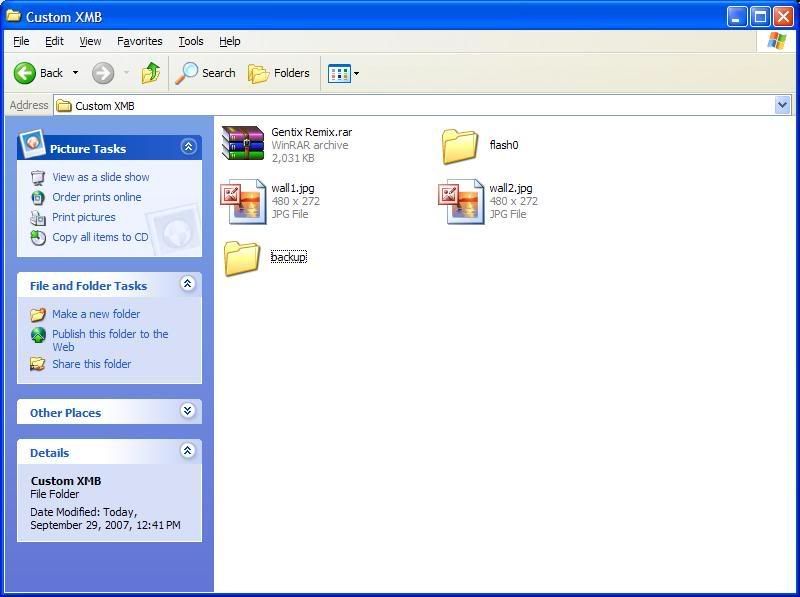
1. Download the custom XMB file and extract the contents to a folder.
2. Make backups of all files that you will be changing. I cannot stress enough the importance of this. Without backups, you'll be unable to go back to the original Sony XMB, as well as flash new themes.
3. To flash the XMB files, connect your PSP to your computer, enter recovery mode, go to Advanced, and Toggle USB (flash0).
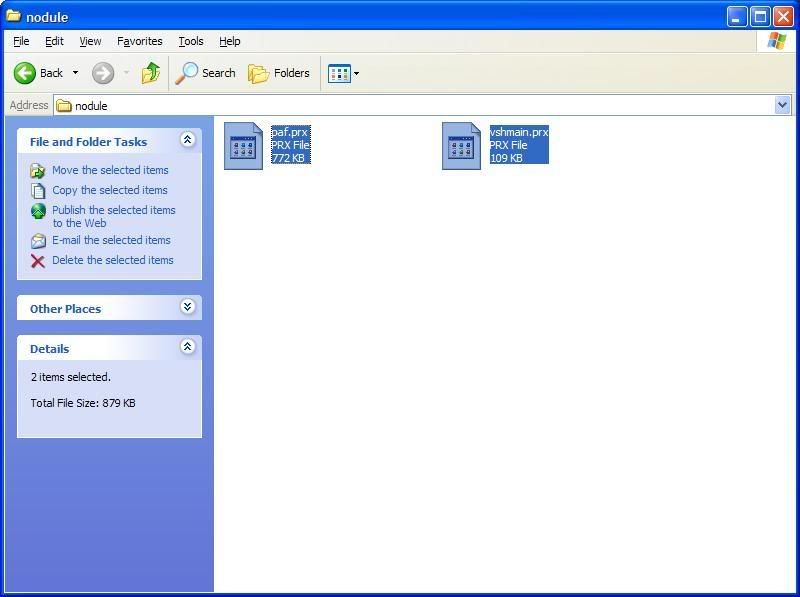
4. Copy the new files to the appropriate location on your PSP's flash. In this example, the two files paf.prx and vshmain.prx will go into the nodule folder. Try not to copy and paste the whole nodule folder into flash, instead copy and paste the files inside the folders.
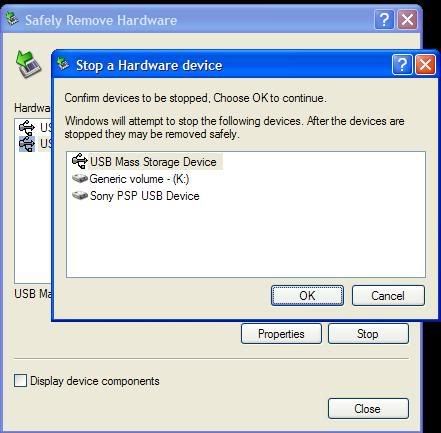
5. Once the files are replaced, use the Safely Remove Hardware icon in the system tray to disconnect your PSP. This is important as we do not want any corruption on your PSP's flash, which might lead to a brick.
6. Once it's safely removed, press Cross on Toggle USB (flash0) again. You should see a message saying "USB disabled". Now exit recovery mode.
7. If all goes well, your PSP should now be installed with the custom theme!
If your PSP doesn't start up and remains at a black screen, you may have a semi-brick. Restart your PSP and hold R to enter recovery mode, then restore the original files to flash before trying again. Make sure you're copying the files to the correct location and that you've copied all the files inside the custom theme package.
And that's it. If you need more detailed help with a certain custom XMB, leave your comments here or send me a mail at my Gmail account.
Get Gentix Remix at my file archive: Download
Posted on
Doody's PSP Site
at
12:32 PM
0
comments
Filed under: Custom Theme, Guides
Custom Theme Converter by Sony
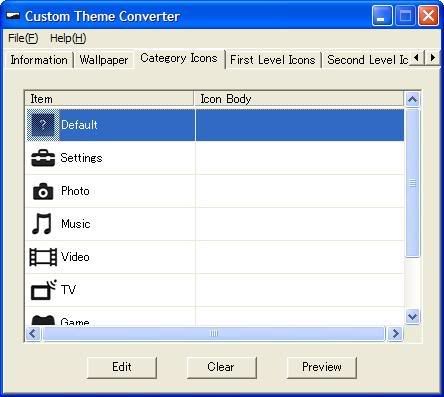
Something that no one expected to happen has: Sony has released an Official Custom Theme Converter for the PSP Slim. With this Custom Theme Converter, you can edit the XMB icons on the PSP Slim easily, and your custom theme can be selected in the Theme menu.
Looks like Sony has finally acknowledged that there is a strong interest in XMB customization. It's just too bad that on the PSP Slim you're limited to changing the XMB icons only.
Posted on
Doody's PSP Site
at
11:51 AM
0
comments
Filed under: Custom Theme
Sunday, September 23, 2007
Installing Custom Themes on your PSP Slim
STOP!
Before you end up bricking your PSP Slim, here's some information to get you started on PSP Slim XMB theme customization.
Most importantly, DO NOT flash anything to your Slim's flash! Sony has put some new protection in their firmware that might cause you to brick your PSP Slim if you flash any resource files to it. The way we are going to put custom themes on your Slim is via CXMB. However, don't expect fantastic looking themes like AppleCor, as there is currently no support for prx files until they are decrypted.
With that, let's get started on installing custom themes for the PSP Slim. Note that the custom XMB is going to be quite limited. You'll see what I mean soon.
Files you'll need
Upgrade RCO for 3.60M33
CXMB v2.4
And of course, your PSP Slim.
1. Get your favourite theme and copy out all the RCO files.
2. Extract the files from "Upgrade RCO for 3.60M33" into a folder, let's call the folder "UpgradeRCO".
3. Place the RCO files into the UpgradeRCO folder.
4. Run upgrade.bat to update all the RCOs to 3.60.
5. Install CXMB by placing cxmb.prx into the seplugins folder and adding the line "ms0:\seplugins\cxmb.prx" to your VSH.TXT file.
6. Copy the updated RCOs to ms0:/cxmb/vsh/resource.
7. Enter recovery menu (switch on your PSP and hold R) and enable cxmb.prx in the plugin menu.
8. Your custom theme should be working!
Here's a picture of a custom theme called Carbon Fiber on the PSP Slim:

Download cXMB v2.4
Download UpgradeRCO for 3.60 M33
Posted on
Doody's PSP Site
at
2:28 PM
0
comments
Filed under: Custom Firmware, Custom Theme, Guides